
If not signed in, kindly sign in into FBO Master.
- Click on the hamburger icon on the top left corner of the navigation bar. Select Flight main menu. Click on the Dispatch sub main menu.
- Dispatch sheet will be displayed. Click on the Check In radio button.
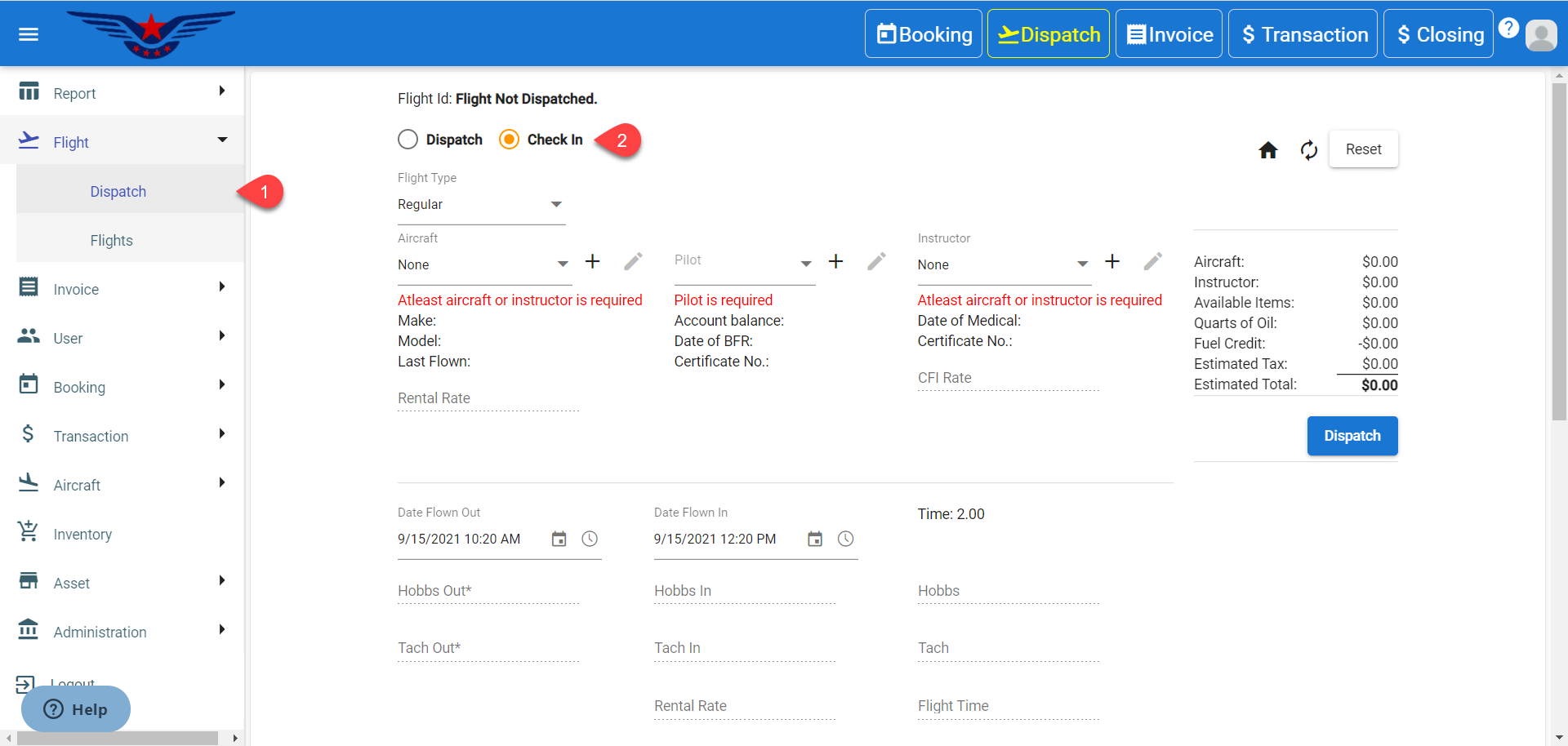
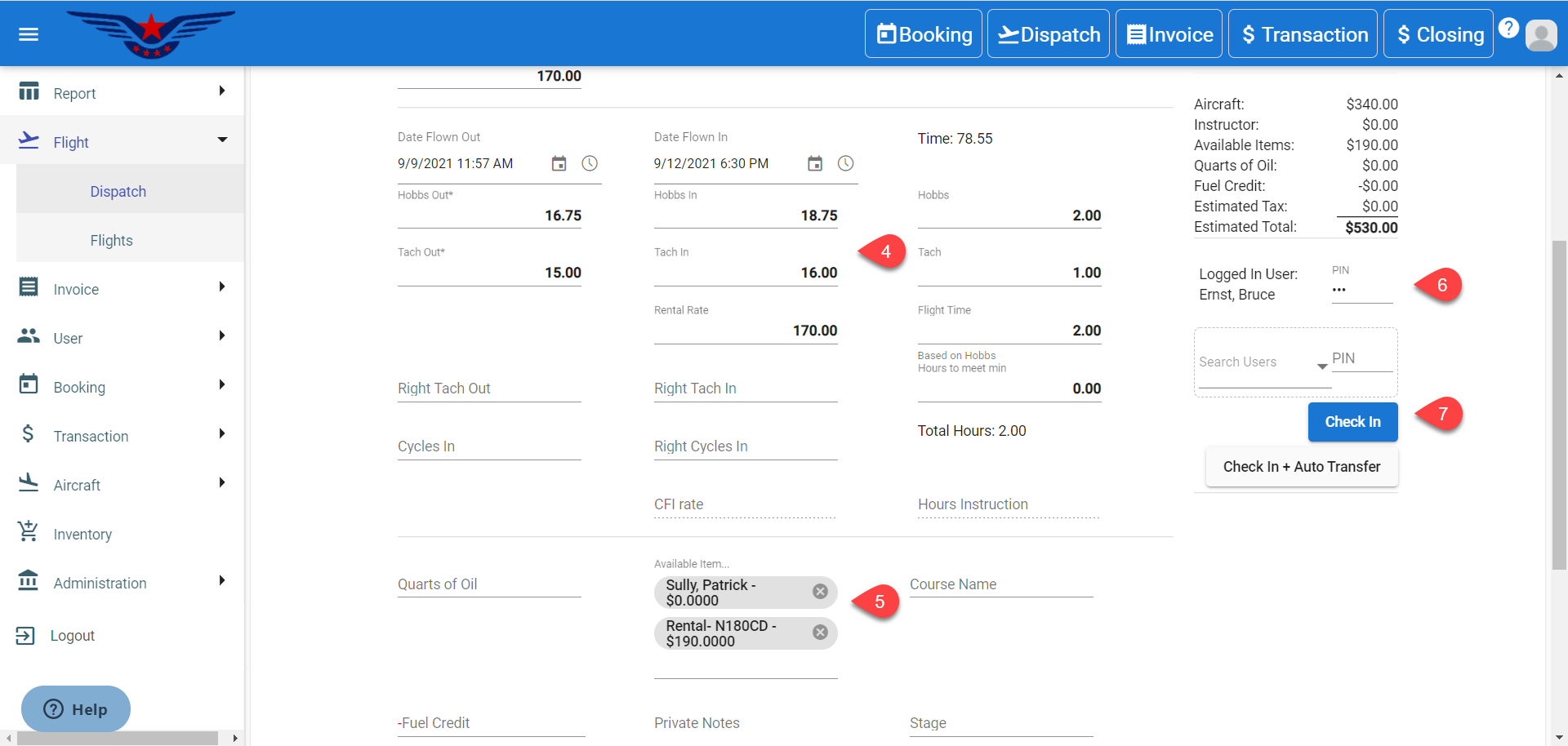
- Select a dispatched aircraft ( striked out aircraft). All the dispatch information of that aircraft will be auto selected.
- Enter the Hobbs In and Tach In.
- Enter the User’s PIN.
- Select an item from Available Item drop down list. Multiple items can be selected.
- Click on the Check In button.
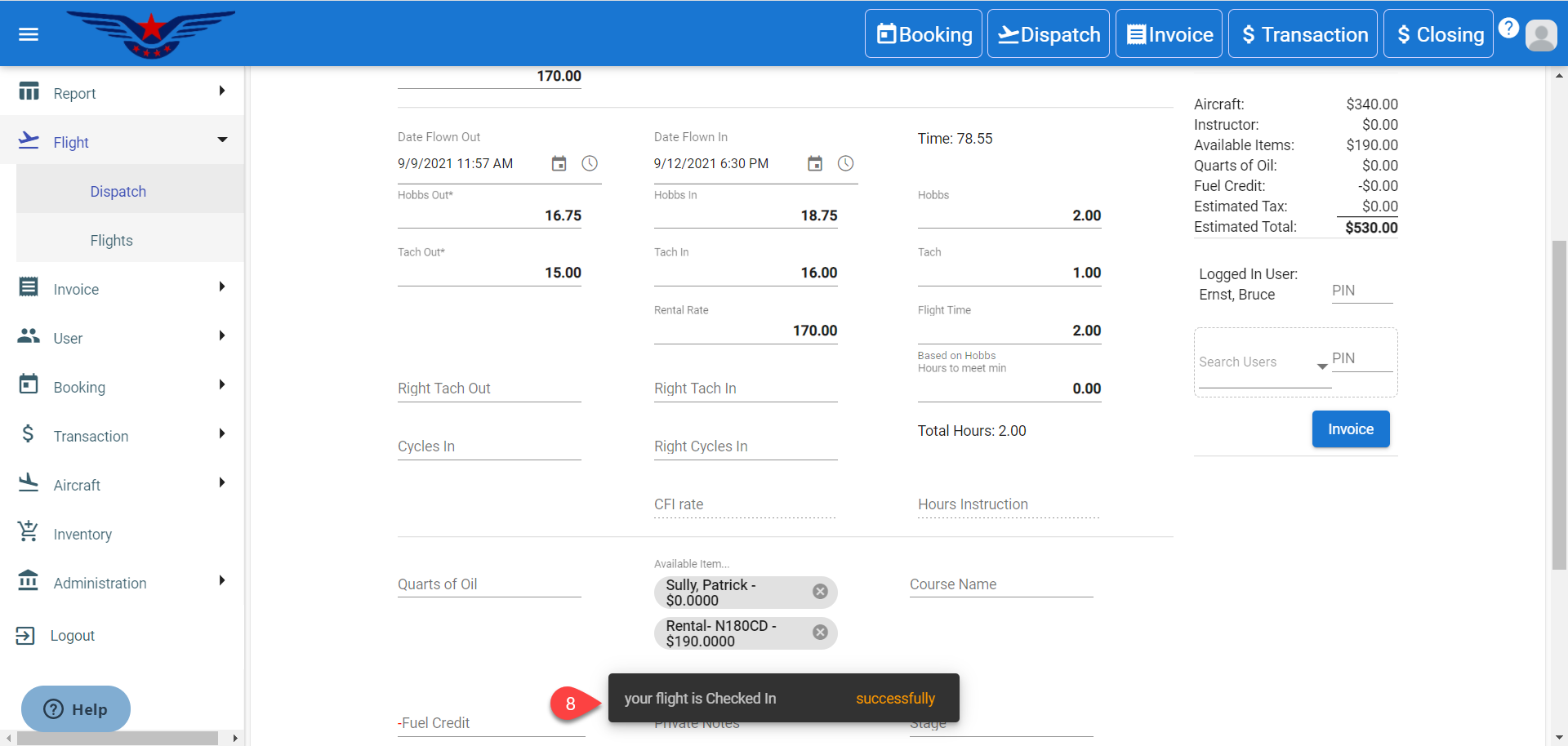
- Successful Check In message will be displayed.
Comments
0 comments
Please sign in to leave a comment.