
If not signed in, kindly sign in into FBO Master.
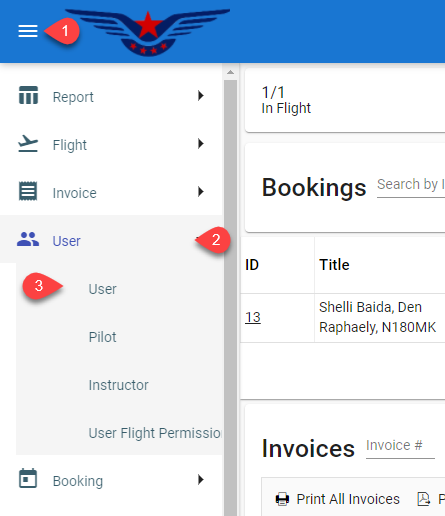
- Click on the hamburger icon on the top left of the navigation bar[1]. Select the User main menu.
[2]. Click on the User sub menu[3].
- User list will be displayed on the screen.
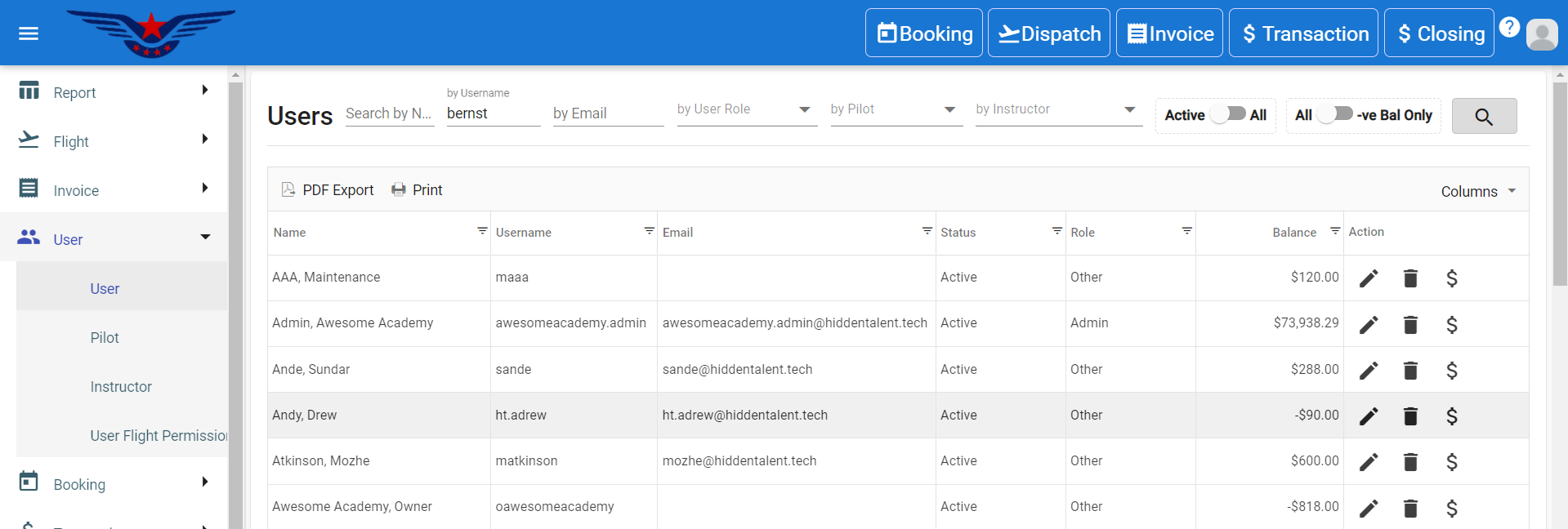
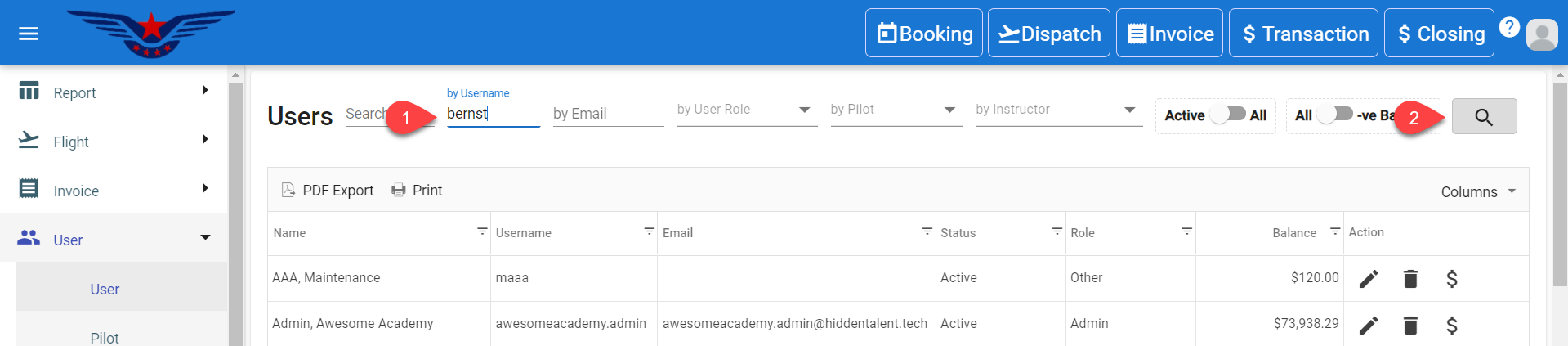
- You can navigate the list or you can use filters to search the user by their first name, last name, email, etc.[1]. Click on the Search icon[2].
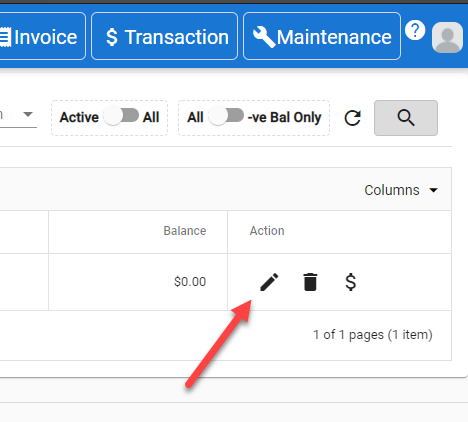
- In the Action column, click on the Pen icon. A pop-up will appear with the details of that particular user.
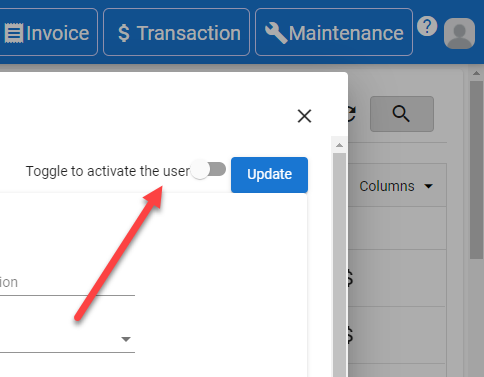
- To deactivate the user, click on the Toggle to deactivate the user.
** NOTE: By default, all the users are active users.
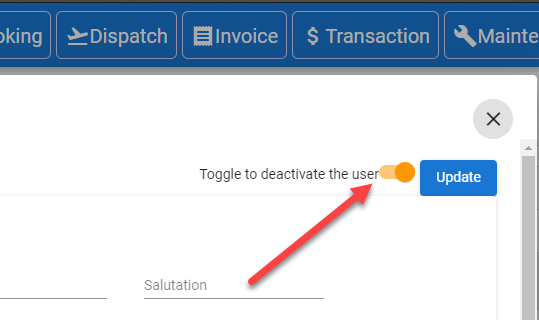
. 
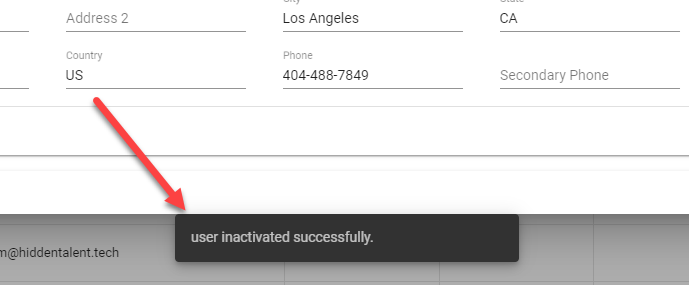
- User deactivated successfully message will appear at the bottom of the screen.
Comments
0 comments
Please sign in to leave a comment.