
If not signed in, kindly sign in into FBO Master.
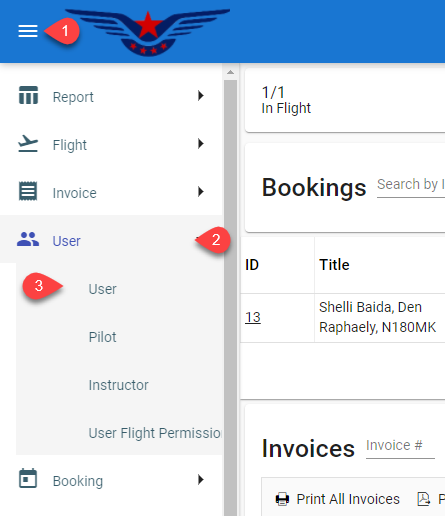
- Click on the hamburger icon on the top left corner of the navigation bar[1]. Select the User main menu[2]. Click on the User sub main menu[3].
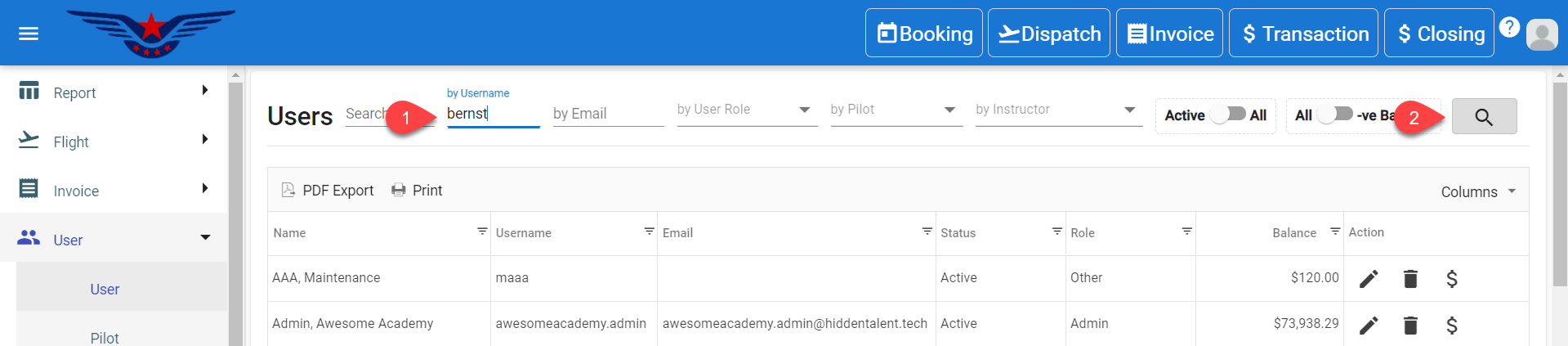
- User list will be displayed on the screen. Either navigate the list or search the first name/ last name/ email to get to any particular user with ease[1]. Click on the Search icon[2].
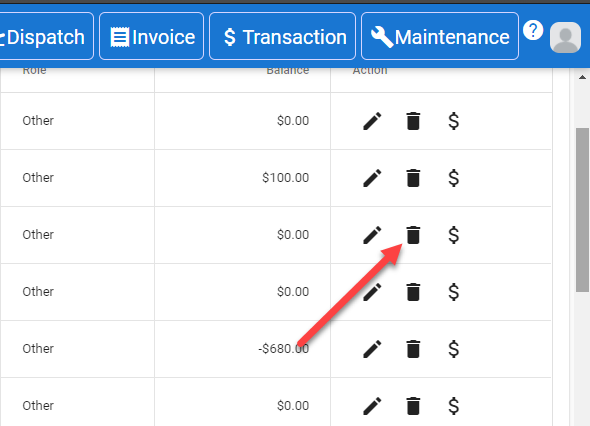
- Click on the Bin icon to delete the user.
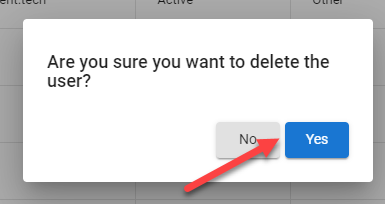
- A message box will pop up confirming user deletion. Click on Yes button.
- User deleted successfully message will pop up on the bottom center of the screen.
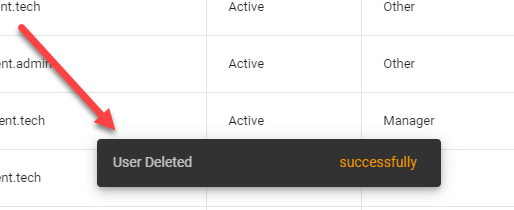
- The user deleted will be immediately removed from the list.
Comments
0 comments
Please sign in to leave a comment.