
If not signed in, kindly sign in into FBO Master.
- Invoice list is displayed on the dashboard.
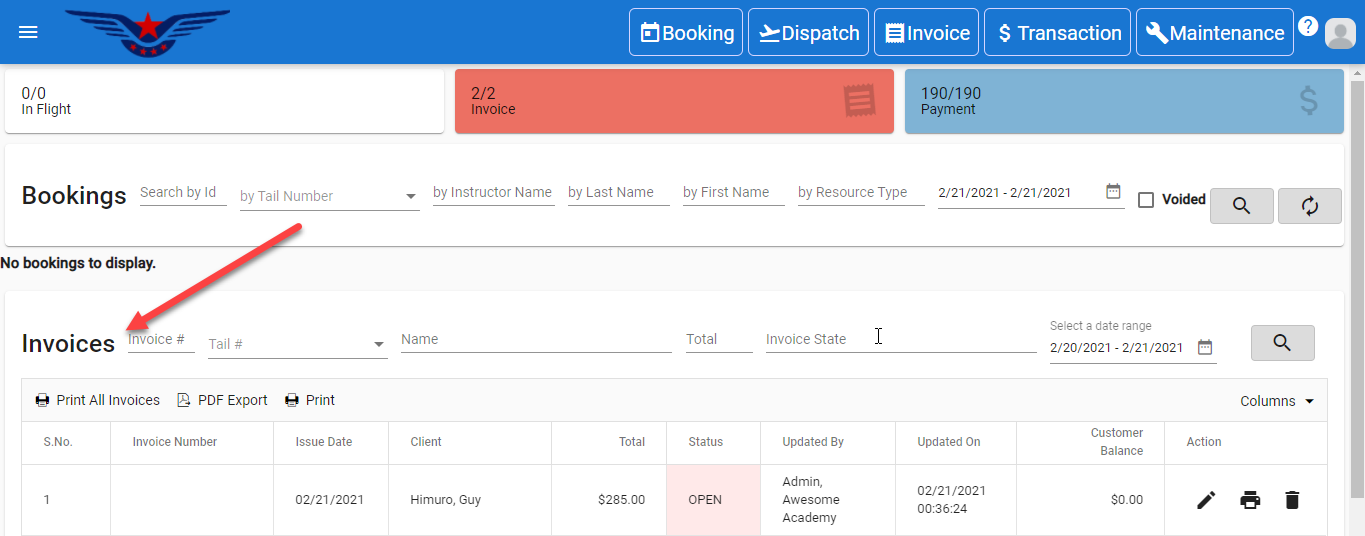
OR
Click on the hamburger icon on the top left corner of the navigation bar[1]. Select Invoice main menu[2]. Click on the Invoice sub main menu[3].
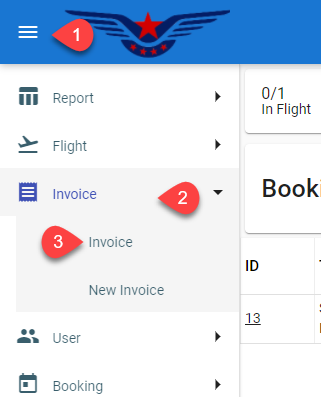
- Invoice list will be displayed.
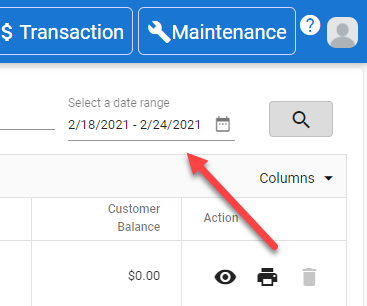
- Invoice from a particular date to any other particular date can be viewed.
- Invoice List can be searched by Invoice number, Tail number, Name and Invoice state[1]. Click on the Search[2] icon.

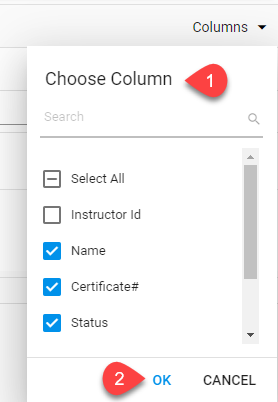
- List can be viewed with the desired columns by selecting the columns from the Column drop down list[1], click on the OK button[2].
Comments
0 comments
Please sign in to leave a comment.