
If not signed in, kindly sign in into FBO Master.
NOTE:- An invoice can only be voided if it is either Issued or Paid.
- Invoice list is displayed on the dashboard.
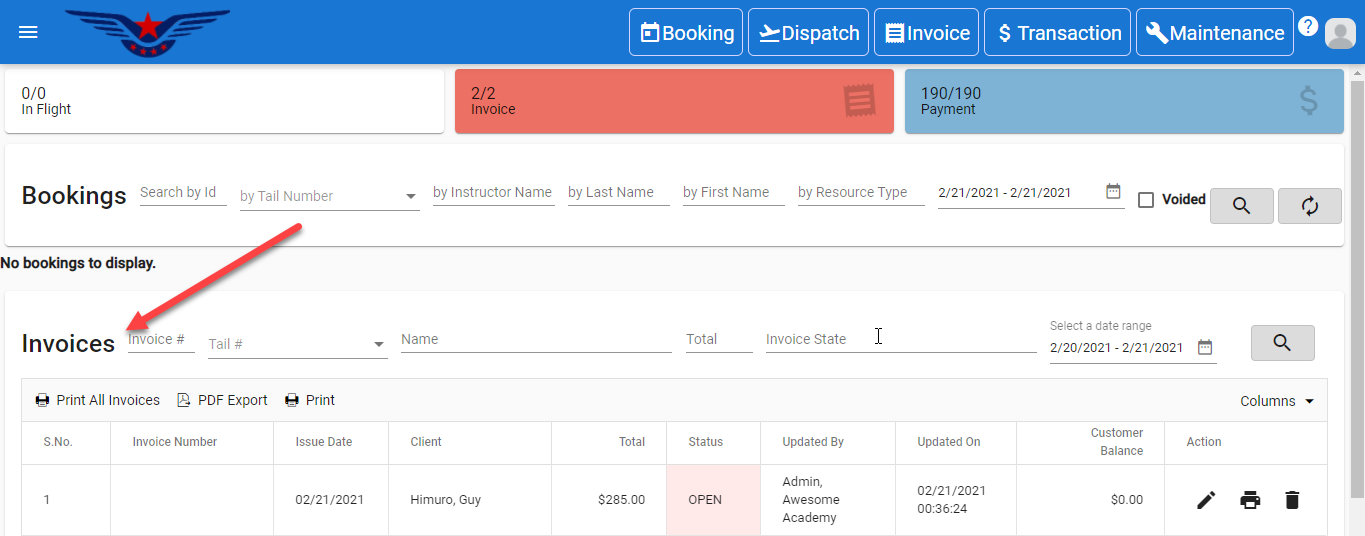
OR
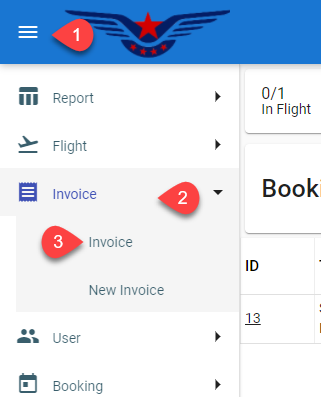
Click on the hamburger icon on the top left corner of the navigation bar[1]. Select Invoice main menu[2]. Click on the Invoice sub main menu[3].
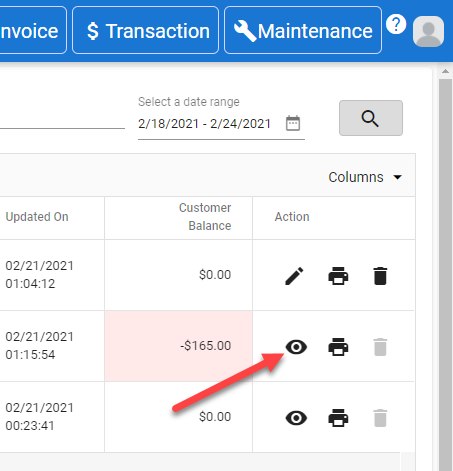
- Invoice list will be displayed. Click on the Eye icon under the action column in the Invoice list.
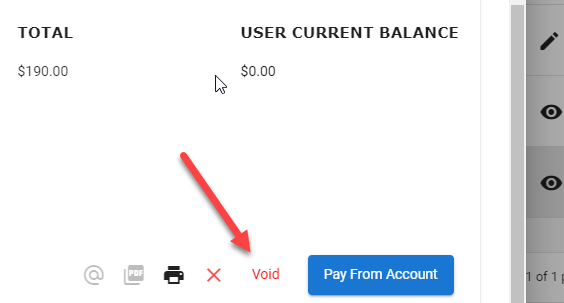
- Invoice sheet will be displayed, all the invoice information of the user will be auto filled, click on the Void button.
- Enter the reason for voiding the invoice(optional).
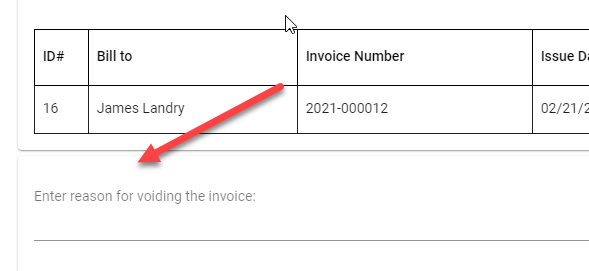
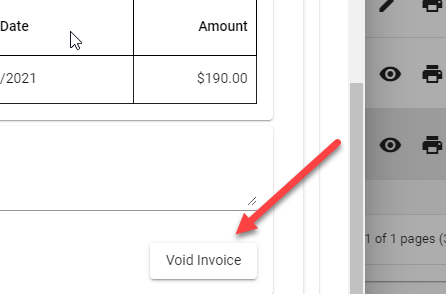
- Click on the Void Invoice button.
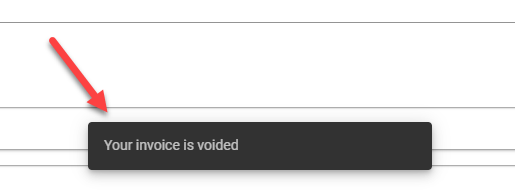
- Invoice voided successfully message will pop up on the bottom center of the screen.
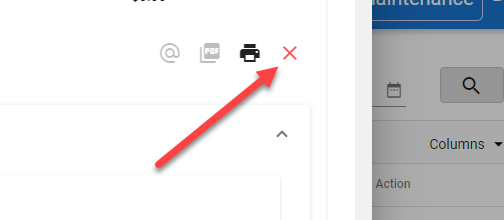
- Click on the X button to close the Invoice sheet pop up.
Comments
0 comments
Please sign in to leave a comment.